That Phishing Email Really Came From Calendly - And That’s Exactly Why It’s Dangerous
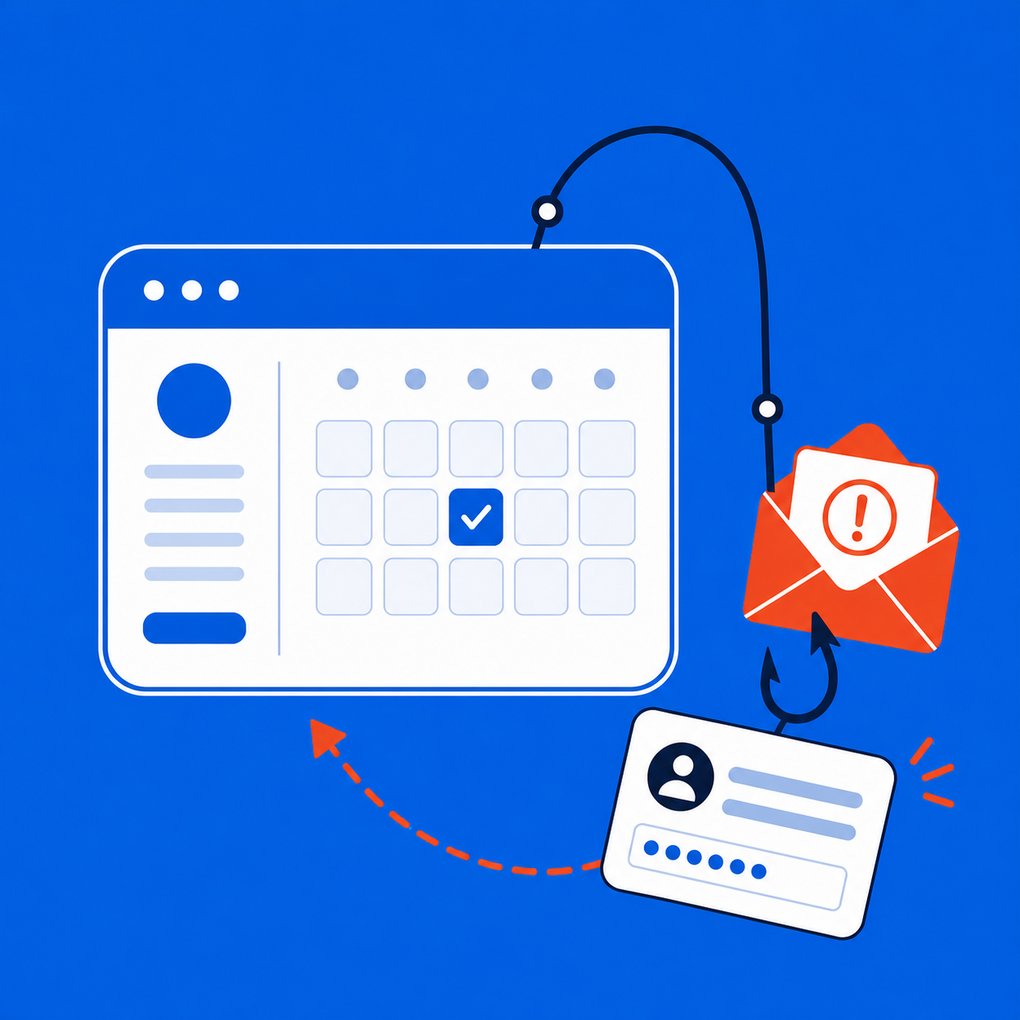
For years, businesses have trained employees to identify phishing emails by looking for the obvious warning signs:
- Check the sender's email address.
- Look for misspelled domain names.
- Hover over suspicious links.
- Be wary of strange attachments.
- Don't trust emails that fail security checks.
Those are still good habits.
But cybercriminals are changing their tactics.
Instead of trying to impersonate trusted companies, attackers are increasingly finding ways to use legitimate services to deliver the attack for them.
A recent phishing attack involving Calendly is a perfect example - and it demonstrates why businesses need to rethink how they train employees to recognize phishing.
The Phishing Email Was Actually Sent By Calendly
In the attack, the victim received what appeared to be a notification containing a 2026 Social Security statement.
The email came from:
At first glance, an employee doing exactly what they had been taught might conclude the email was legitimate.
The domain was correct.
The message was actually delivered through Calendly.
Even the technical email authentication checks - SPF, DKIM and DMARC - passed.
There was just one problem:
The message was still phishing.
The attacker didn't need to spoof Calendly's domain or break into Calendly's email servers.
Instead, the attacker used Calendly's legitimate scheduling functionality to create an event, placed the malicious lure within the event information and added the intended victim as an invitee.
Calendly's system then delivered the invitation.
The email was technically legitimate.
The intent behind it wasn't.
Why This Type Of Phishing Is So Effective
Most employees have become accustomed to receiving automated notifications from dozens of cloud services.
Microsoft 365.
Google.
DocuSign.
Dropbox.
Calendly.
QuickBooks.
Adobe.
Payroll systems.
File-sharing platforms.
CRM systems.
These applications send legitimate emails every day.
Cybercriminals understand that trust.
If an attacker can abuse one of these platforms, they may not need to convince your employee that an obviously fake email is real. Instead, they can potentially get a trusted service to deliver their message.
That's an important distinction.
Email authentication can tell you where a message came from. It cannot necessarily tell you why the message was sent.
Calendars Are Becoming Another Phishing Target
This problem also extends beyond Calendly.
Security researchers have been warning about an increase in calendar phishing, sometimes called "CalPhishing."
Instead of putting the malicious content directly inside an email, attackers can place it inside a calendar invitation or .ics file.
The invitation might claim that:
- Your Microsoft 365 subscription is expiring.
- Your password needs to be reset.
- An invoice needs approval.
- An HR policy needs acknowledgment.
- Your benefits enrollment requires attention.
- A document is waiting your review.
The calendar event may contain a link, attachment or even a QR code leading to the attacker's website.
This can be especially convincing because employees don't necessarily think of a calendar invitation as a cybersecurity threat.
They should.
There's Another Problem: The Attack May Survive The Email
Calendar-based phishing introduces another unusual risk.
In some environments, a calendar invitation can create an entry on the user's calendar even if the employee never intentionally interacts with the original email.
That means removing the malicious email doesn't always eliminate the threat.
The calendar entry - along with its malicious link and future reminders - may remain.
An employee could delete the suspicious email Monday and then receive a calendar reminder Wednesday that gives the attacker another opportunity to get them to click.
That's one reason businesses need security processes that look beyond simply filtering messages as they arrive.
Even SPF, DKIM And DMARC Can't Solve Everything
We strongly recommend properly configuring SPF, DKIM and DMARC.
These technologies are important parts of protecting a company's email domain from impersonation and spoofing.
But they aren't magic.
In this Calendly example, those checks worked correctly.
The email passed authentication because Calendly really sent it.
The attacker was abusing the trusted platform rather than impersonating it.
That's why seeing an email pass authentication should never be interpreted as:
"This email is safe."
It means something closer to:
"This email came from an authorized source for this domain."
Those are two very different things.
What Should Employees Look For Instead?
The lesson isn't that employees should stop trusting every email they receive.
Instead, businesses need to expand security awareness beyond simply checking the sender.
Employees should ask:
Was I expecting this?
If you weren't expecting a Social Security document through Calendly, the fact that the message came from Calendly shouldn't make it trustworthy.
Does the request make sense?
Why would a scheduling application be delivering a financial document, password-reset notice or HR policy?
Where is the link actually taking me?
Trusted websites can sometimes be used as the first step in a chain of redirects that eventually sends the victim somewhere malicious.
Is the message creating unnecessary urgency?
Attackers frequently want victims to act before they have time to question the request.
Is the message asking me to enter credentials, approve an MFA request, scan a QR code or download something?
Those actions deserve additional scrutiny - regardless of who appears to have sent the original message.
Technology Still Matters - But So Does Layered Security
Security awareness training is important, but employees shouldn't be expected to serve as the company's only phishing filter.
Businesses should use multiple layers of protection, which may include:
- Advanced email threat protection
- DNS and web filtering
- Endpoint detection and response
- Multifactor authentication
- Conditional access policies
- Identity and login monitoring
- Security awareness training and phishing simulations
- Proper SPF, DKIM and DMARC configuration
- Processes for employees to quickly report suspicious messages
No single security product will catch every attack.
The objective is to create enough layers that when one protection fails, another has an opportunity to stop the attacker.
The Definition Of A "Suspicious Email" Has Changed
There was a time when phishing emails were relatively easy to identify.
Poor grammar.
Strange email addresses.
Obvious spelling mistakes.
Suspicious attachments.
Those attacks haven't disappeared.
But today's attackers have access to better tools, legitimate cloud platforms and increasingly sophisticated social-engineering techniques.
The next phishing email your employee receives may not come from a misspelled domain halfway around the world.
It may actually come from a company they know and trust.
That's why cybersecurity awareness needs to evolve from:
"Do I recognize the sender?"
to:
"Does this request make sense, and was I expecting it?"
That small change in thinking can prevent an employee from turning a legitimate notification from a trusted service into the beginning of a very real cybersecurity incident.
Is Your Business Prepared For Today's Phishing Attacks?
Cybersecurity threats have changed dramatically, and protections that may have been adequate several years ago may no longer be enough.
If you're unsure whether your current IT and cybersecurity protections are prepared for modern phishing, credential theft and account-takeover attacks, schedule a discovery call with A M Exclusive.
We'll learn more about your business, your current IT environment and the security measures you already have in place. From there, we can determine whether a more comprehensive technology and cybersecurity assessment makes sense.
Schedule a discovery call today to find out where your business may be exposed before an attacker finds it first.