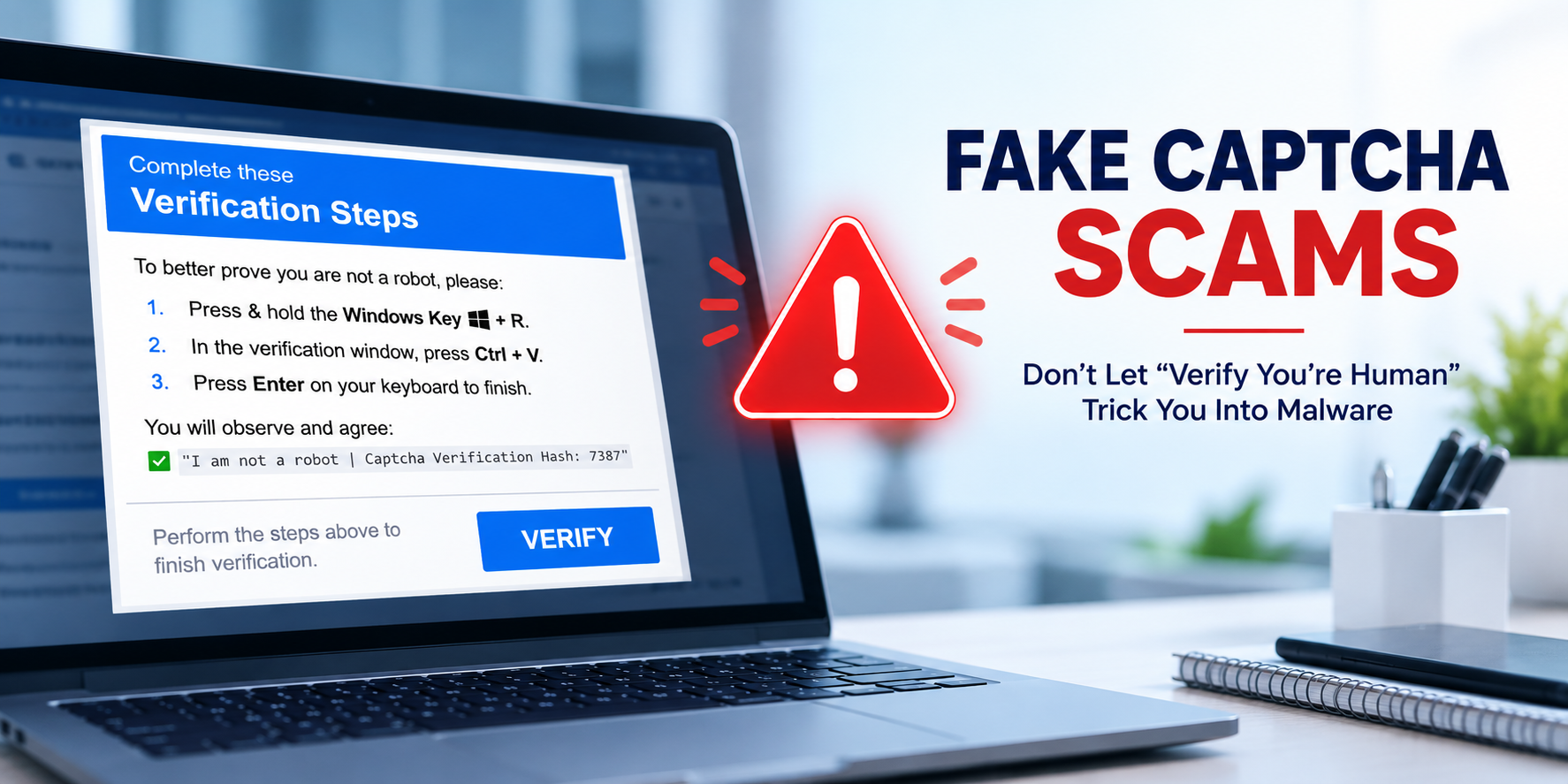


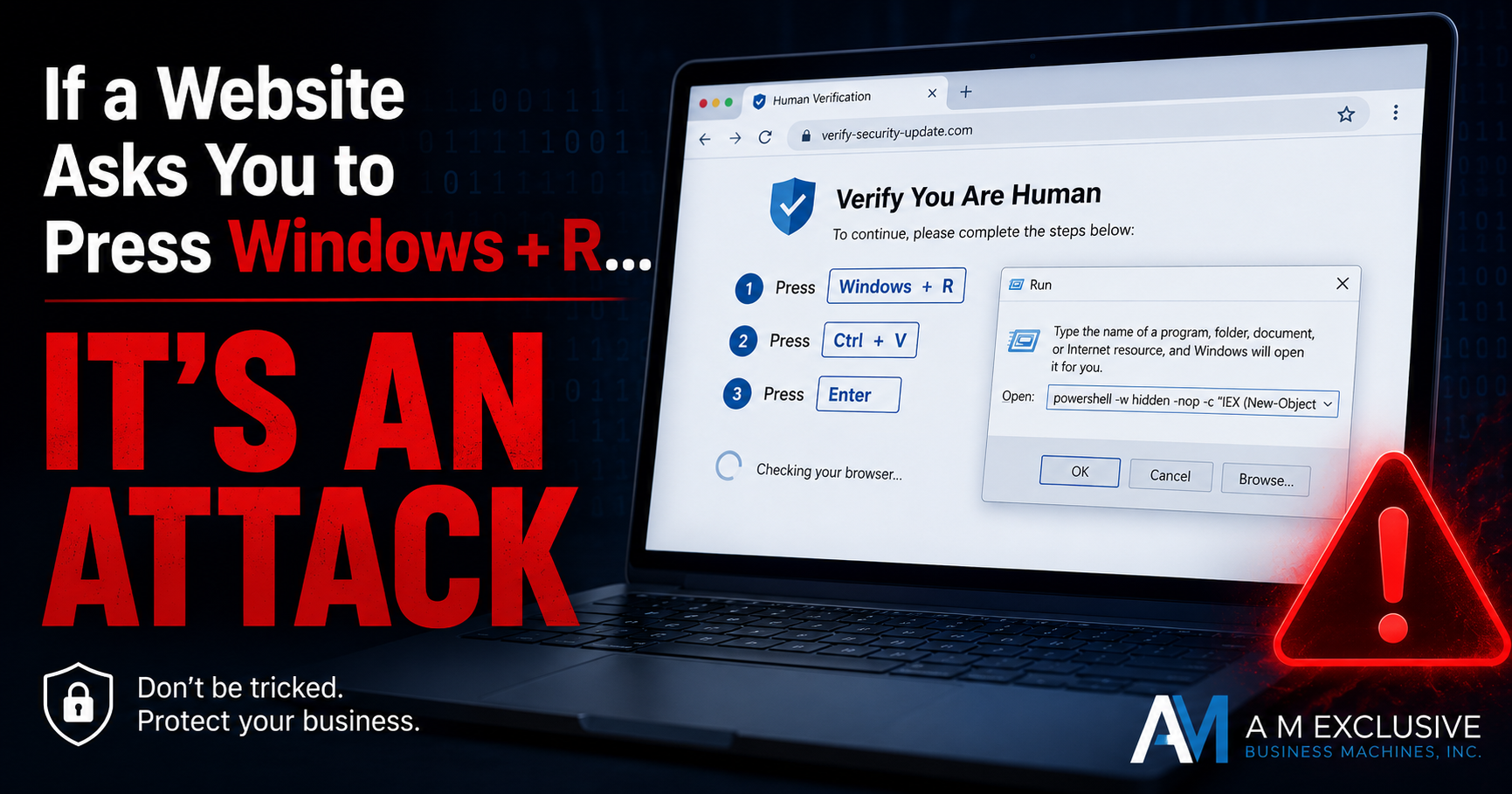
If a website asks you to press Windows + R, you're likely looking at a ClickFix attack.

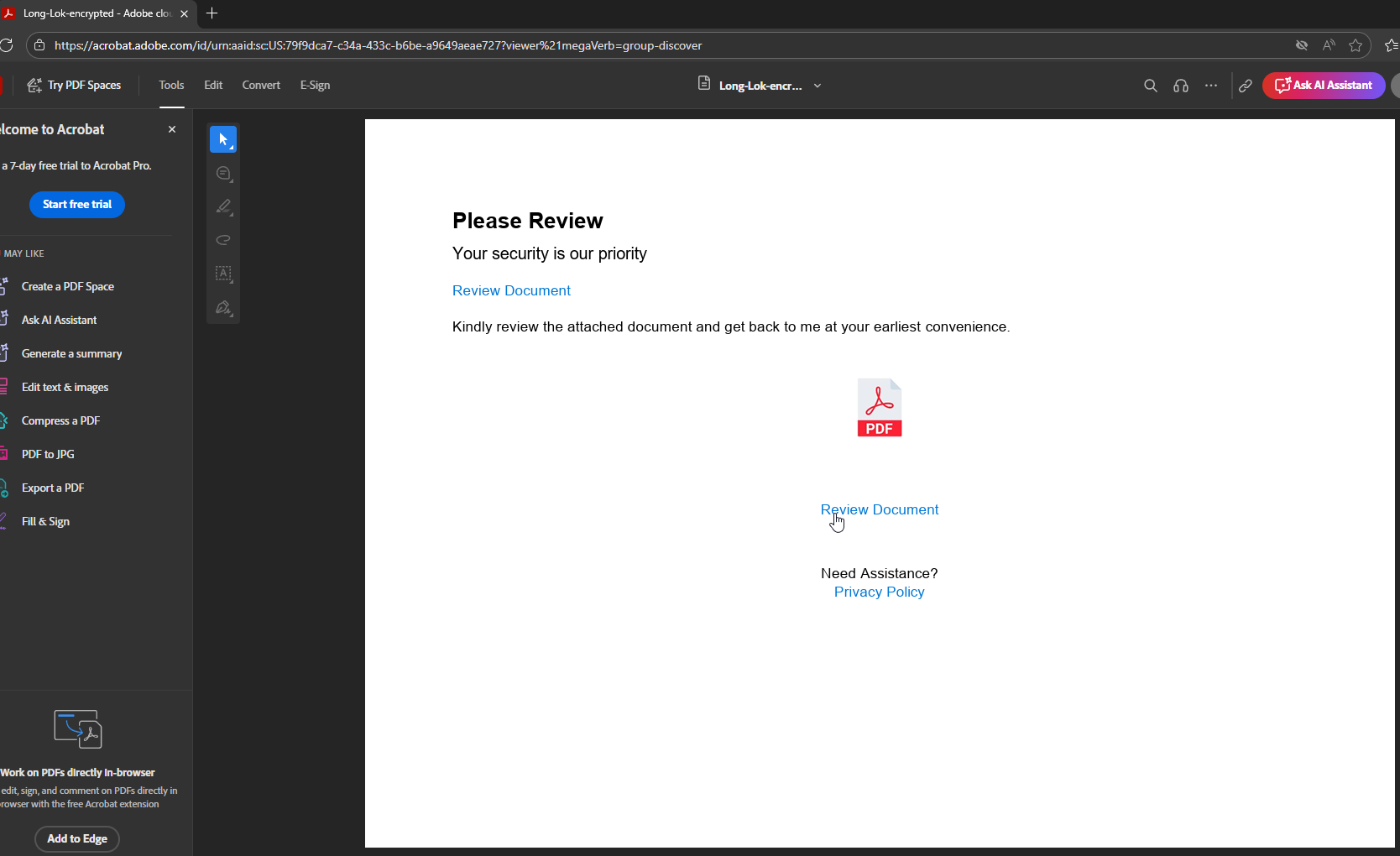
In recent weeks, a new and highly convincing phishing scam has been circulating that pretends to be an Adobe Acrobat “Secure Document” request. At first glance, it looks legitimate — often even coming from a trusted contact’s real email address with their usual signature.
But beneath the surface, it’s a sophisticated attack designed to steal your Microsoft login credentials.
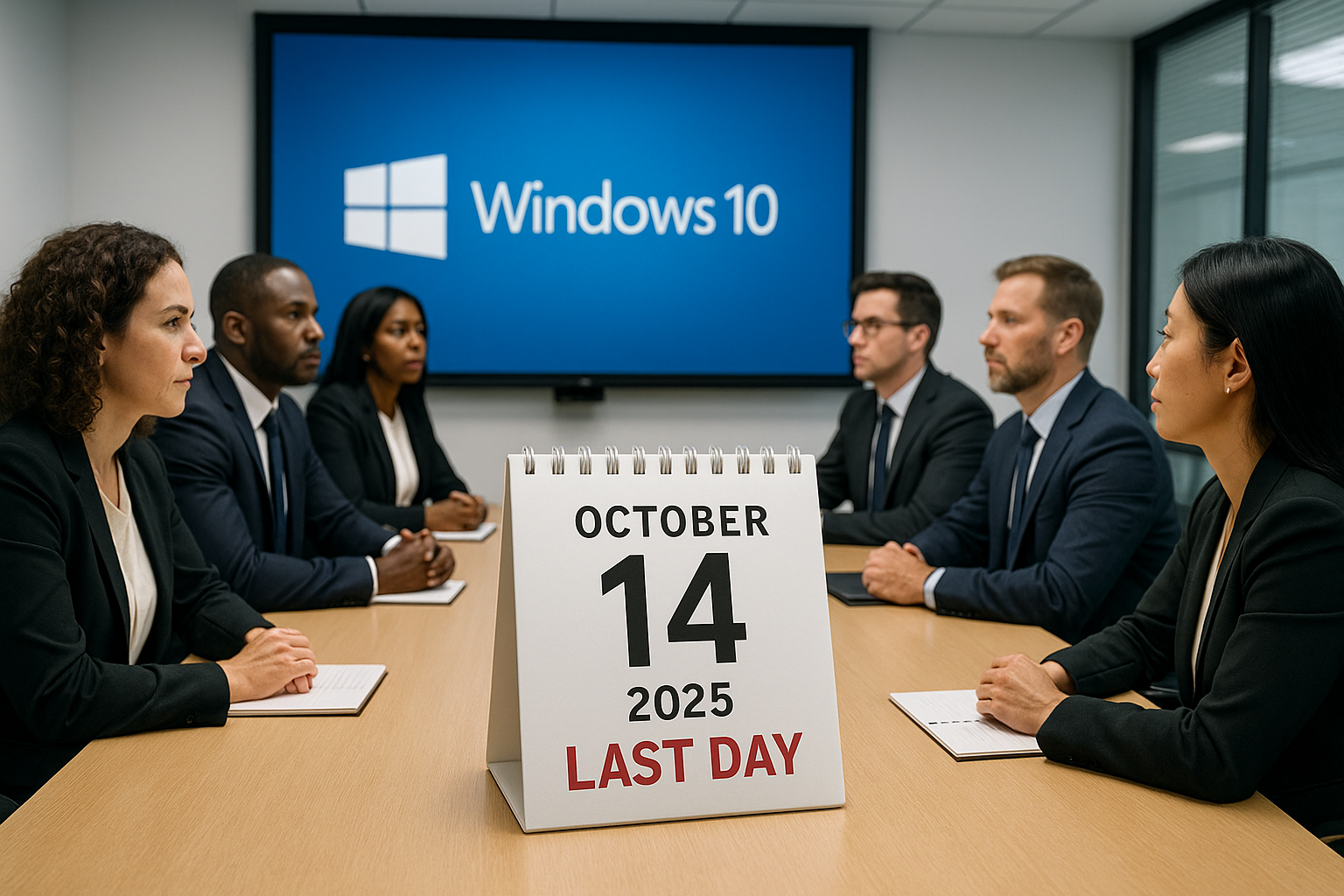
Discover the essential reasons to upgrade to Windows 11 and protect your business from future threats and inefficiencies.
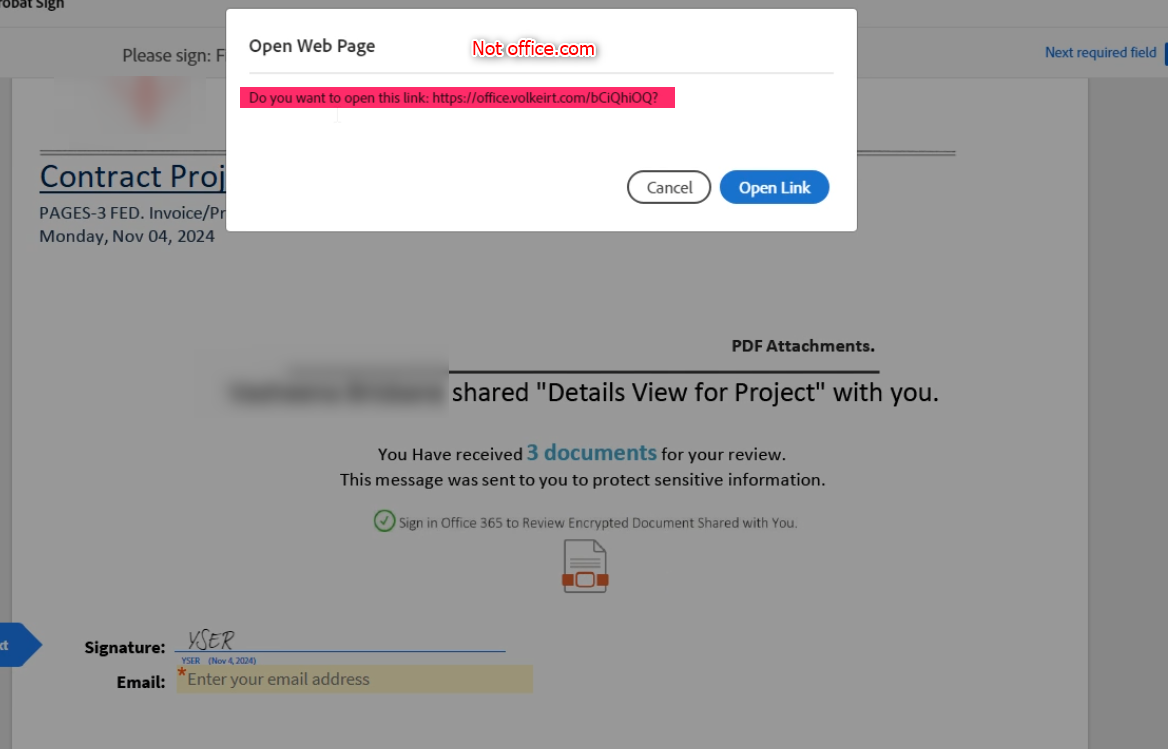
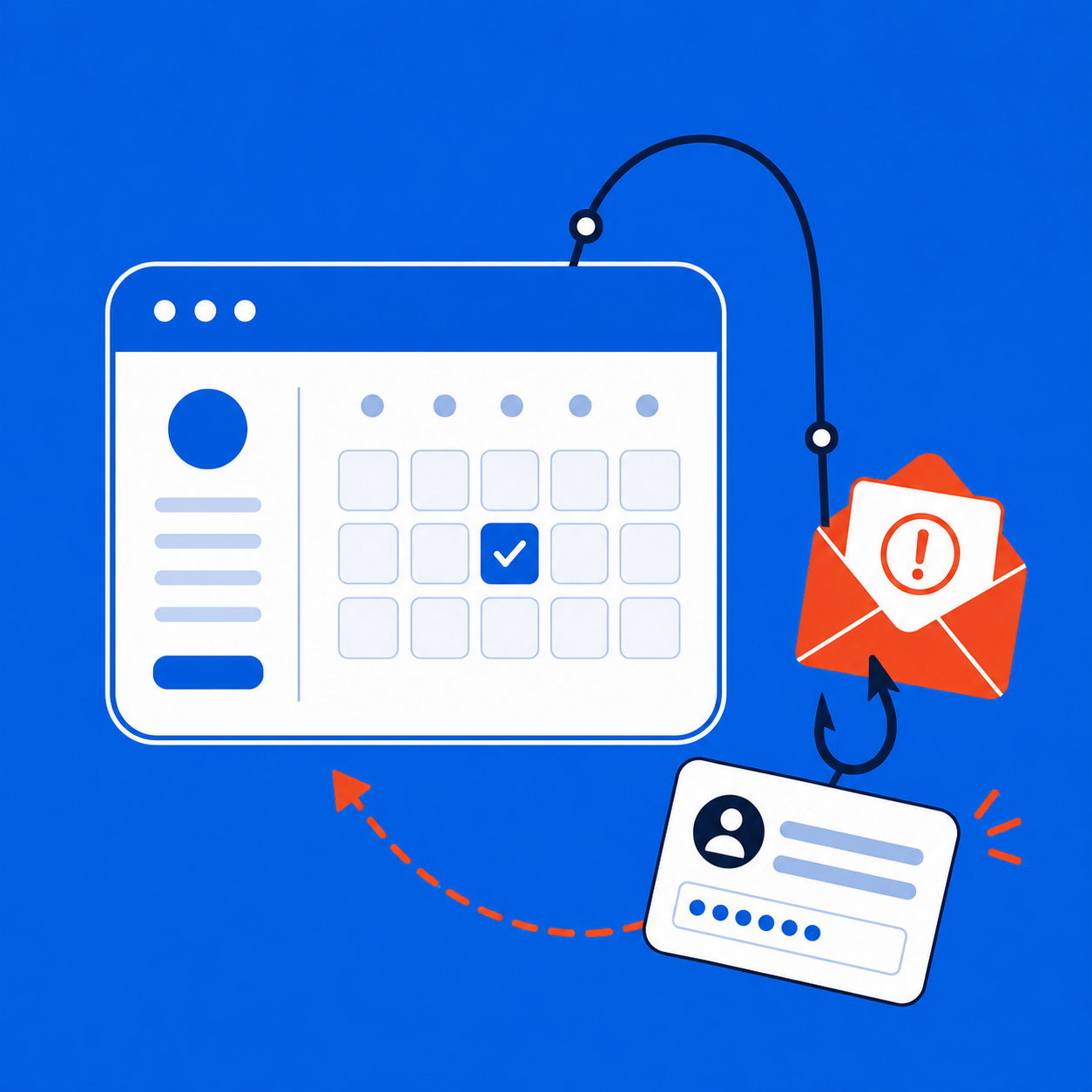
In recent weeks, cybercriminals have started using popular tools like Adobe Sign and DocuSign to trick people into revealing their Office 365 login credentials. Even if you have Multi-Factor Authentication Enabled, it won't protect you from these scams. They are using sophisticated methods to trick you into giving them your keys, and then they make a copy of them to get into your account later. These phishing attacks are becoming more common, and we want to make sure you’re aware of how to protect yourself.
Security this, password that, and they want 14 characters with two symbols?!? In the modern 21st century, crime and theft have shifted, but a lot of people are approaching the problem with logic from more than a decade ago. We can likely all agree that modern prevention is annoying. Remembering 24 different passwords, four PIN numbers, having to install updates all the time (some of which break what you use daily), this new regulation, that new requirement – it’s frustrating. It’s funny, though, how it’s not at all frustrating or inconvenient to most of us to remember the code for the door, the code for the alarm panel next to the door, the secret password to tell the alarm company when you don’t get out in time and the alarm goes off, the passcode to our phone, the front-door keypad lock at home, the garage code, the other garage code… You get the idea.

As businesses around the globe continue to adapt to remote work, there has been a surge in the use of cloud collaboration apps. While it is standard practice for companies to back up their on-premises data, it is not so for data that exists only in the cloud, and many are relying solely on their cloud provider to protect them from data loss. Yet an astonishing one in three companies reports losing data stored in cloud-based applications. The single leading cause of this data loss? Human error. With more and more companies depending on Microsoft 365 and G Suite for collaboration and business operations, these risks are impossible to ignore. Here are some reasons why Microsoft 365 and Google Vault Backups are insufficient: